First: happy holidays from TheGameDev.Guru team. We wish you recover some mana & stamina these days 🦾
Second: this month we are tackling one topics we get asked most about - the SRP Batcher. And coincidentally, there are many misconceptions on what the tech aims to do.
The biggest take-away is:
SRP batcher does not really aim to reduce draw calls like other traditional batching techniques do (e.g. GPU instancing, static batching).
What it aims for is to reduce their cost... by having most of what it needs already prepared in VRAM rather than uploading it all every single frame.
I say that because I typically hear "SRP Batcher sucks, just see the number of draw calls I got". Bla bla.
Which leads me to:
The traditional number of "recommended maximum draw calls" don't apply anymore. Because you can now have thousands of cheap draw calls that are almost free... if you do it well.
As long as you (1) profile your CPU rendering cost correctly and (2) help SRP batcher at its job, you will be fine.
To (1) profile your frames with SRP batcher, you want to use three elements: 1. SRPBatcherProfiler.cs 1. Unity Profiler 1. Unity Frame Debugger + RenderDoc
And to (2) help SRP Batcher: 1. Reduce shaders variants (not just shaders) to reduce expensive GPU state changes 1. Keep your materials static to avoid CBUFFER re-uploads
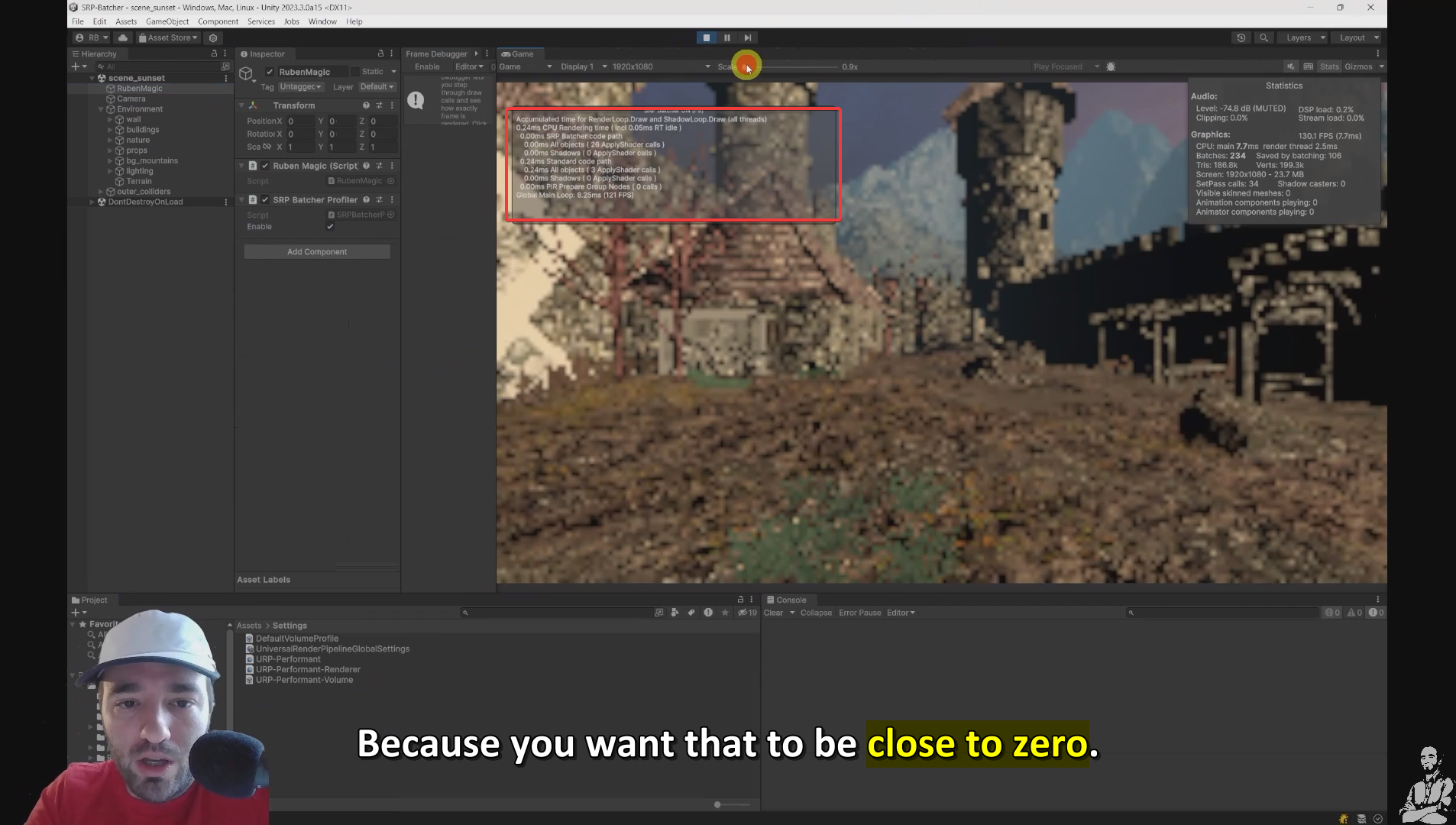
If you want in-depth lessons on the SRP Batcher, I just published a new PerformanceTaskforce module that teaches: - What the SRP batcher does - How SRP Batcher does exactly its magic through its unique CBUFFERS - The three criteria to decide when to turn it on or off - How to profile and help SRP batcher do its job well - How to combine it with traditional batching techniques such as GPU instancing
But if you rather save the time and gain the performance instead, check for spots in our Unity performance consulting program.
Ruben (The GameDev Guru)